
Home / Daily Report Writer
Daily Report Writer
Paste your rough field notes. Get a structured daily report back in six sections. Free, no sign-up, worked out in your browser.
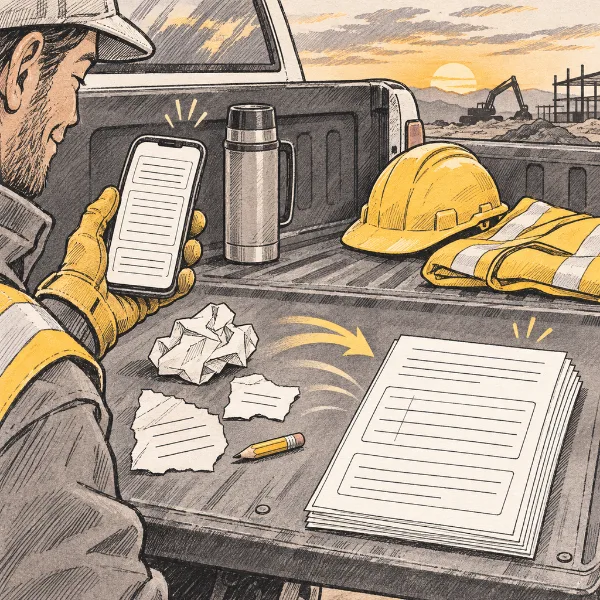
The writer sorts your notes into Date & weather, Crew, Equipment, Work performed, Bid-item quantities, and Notes & issues. It only lists quantities you actually wrote down with a unit. It never guesses one.
Draft daily report
Your draft report will appear here. The last draft you write is kept in this browser.
What goes in a construction daily report?
A daily report is the day’s record of the job. Most contractors and agencies expect the same basics: the date and weather, who was on site, what equipment ran, what work was done and where (by station), the quantities placed, and anything that slowed the job down, such as delays, visitors, deliveries or safety issues.
Write it the same day while it’s fresh. Keep it factual: what happened, not opinions. Use your project’s own bid-item numbers and units, written like “Item 403-1, 412 TON”, so quantities match the pay items. Your contract or agency may require a specific form; use this draft to save typing, then move it onto the required form.
How the writer sorts your notes: it splits them into lines, then looks for weather words and temperatures, crew roles with headcounts, equipment names, work verbs and stations, and delay or safety words. Numbers followed by a unit become rows in the quantity table, with any item number written next to them. Anything it can’t place goes under Notes & issues, so nothing you wrote is dropped.
FAQ
Do I need an account?
No. Paste your notes and press Write my report. Your last draft is kept only in this browser’s local storage.
Will it fill in quantities I didn’t give it?
No. Only numbers written with a unit, like 412 TON or 240 LF, go into the quantity table. If your notes have none, the report says so.
Can I use the report as my official record?
Only after you check and correct it. You’re responsible for what goes into your records.
More tools
Want the full PROJiTECH app?
Join early access. It’s free while we build.